
AA Reader - learn a language1.80.2 - App Store
You'll be able to see results in few seconds.
Publisher Description
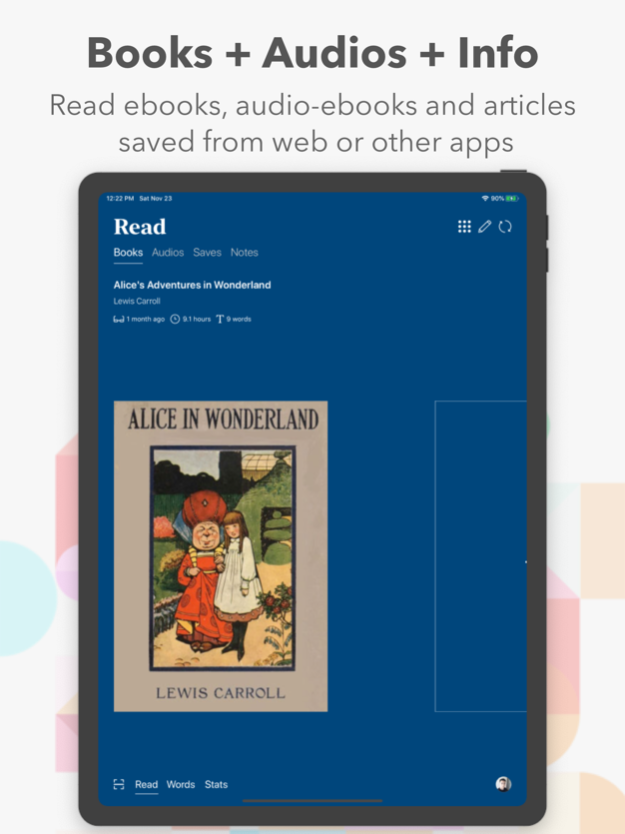

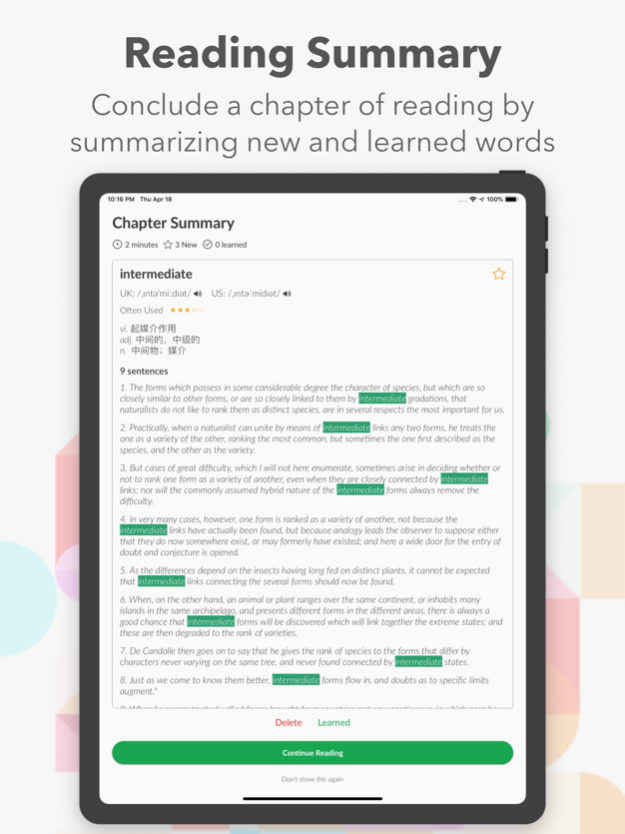
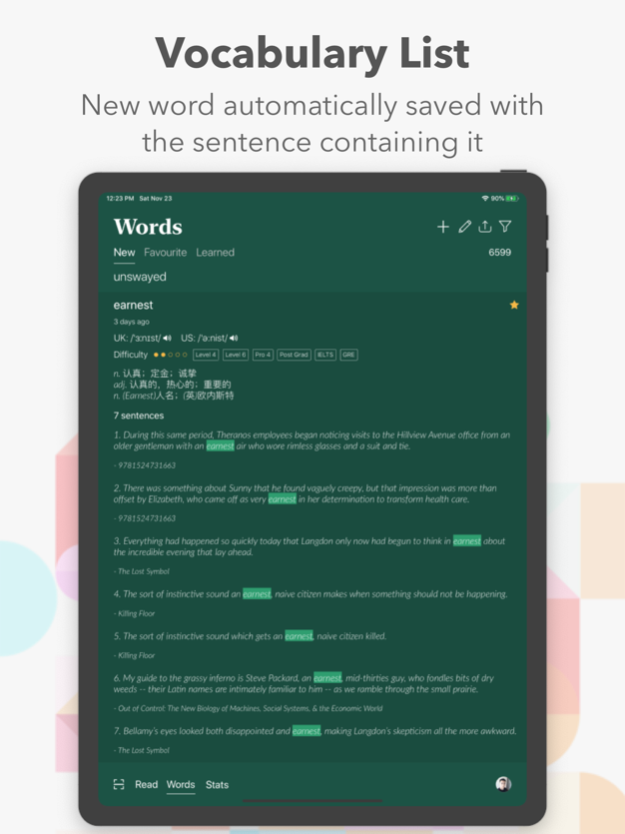
Discover AA Reader: The Ultimate AI-Driven Ebook and Web Bookmarking Tool
With AA Reader, mastering English through ebooks and web content is more intuitive than ever! Designed to support a multitude of formats including EPUB, PDF, MOBI, TXT, RTF, DOCX, all audio formats, and web pages, AA Reader is your comprehensive solution for reading and learning. Our ad-free app is compatible with iPhone X and all iPad Pro devices and supports Wi-Fi uploading of books and audio files.
Key Features of AA Reader:
AI and NLP Technology: Leveraging advanced Artificial Intelligence and Natural Language Processing, AA Reader enhances your reading experience by providing context-based explanations and translations directly next to the selected word.
Enhanced Vocabulary Learning: Automatically saves new words and their context sentences to your vocabulary list, which you can later export via iCloud or email.
Seamless Integration: Use Apple Pencil to jot down notes in landscape mode on your iPad, viewing them alongside the text for easy reference.
Interactive Learning Tools: Includes a reading summary at the end of each chapter, frequency usage indicators, difficulty ratings, and examination modes to test and revise your learning.
Multi-Modal Reading: Sync text with professional narrators' voices for an immersive audio ebook experience or use the text-to-speech feature for an almost human-like reading session.
Offline Access & Cloud Sync: Save web articles offline through our extension and sync all your reading material across devices with iCloud.
Why Choose AA Reader?
Inline Translations: Avoid the disruption of traditional dictionary look-ups with inline translations and definitions that enhance your reading flow.
Multiple Upload Options: Flexible uploading via Wi-Fi, iTunes, the Files app, and more ensures your ebooks and audio files are always at your fingertips.
Revolutionary Learning Experience: With features like scan-to-read and contextual word explanations, learning becomes effortless and integrated into your daily reading.
AA Reader is not just an ebook reader; it's a powerful tool that uses machine learning and big data analytics to provide a seamless and enriching educational experience. We continually work to improve accuracy and performance, valuing your feedback to enhance our services.
Embrace the future of reading with AA Reader—download now and transform the way you learn a language!
Oct 7, 2024
Version 1.80.2
1. in-app purchases are available again now
2. bug fixes
About AA Reader - learn a language
The company that develops AA Reader - learn a language is Jianjin Cheng. The latest version released by its developer is 1.80.2.
To install AA Reader - learn a language on your iOS device, just click the green Continue To App button above to start the installation process. The app is listed on our website since 2024-10-07 and was downloaded 0 times. We have already checked if the download link is safe, however for your own protection we recommend that you scan the downloaded app with your antivirus. Your antivirus may detect the AA Reader - learn a language as malware if the download link is broken.
How to install AA Reader - learn a language on your iOS device:
- Click on the Continue To App button on our website. This will redirect you to the App Store.
- Once the AA Reader - learn a language is shown in the iTunes listing of your iOS device, you can start its download and installation. Tap on the GET button to the right of the app to start downloading it.
- If you are not logged-in the iOS appstore app, you'll be prompted for your your Apple ID and/or password.
- After AA Reader - learn a language is downloaded, you'll see an INSTALL button to the right. Tap on it to start the actual installation of the iOS app.
- Once installation is finished you can tap on the OPEN button to start it. Its icon will also be added to your device home screen.
Program Details
System requirements
Download information
Pricing
Version History
version 1.80.2
posted on 2024-10-07
Oct 7, 2024
Version 1.80.2
1. in-app purchases are available again now
2. bug fixes
version 1.8.1
posted on 2024-06-04
Jun 4, 2024
Version 1.8.1
Bug Fix
version 1.8
posted on 2024-04-29
Apr 29, 2024
Version 1.8
Bug Fixes
version 1.70
posted on 2024-02-07
Feb 7, 2024
Version 1.70
critical bug fixes, update is strongly recommended
version 1.69
posted on 2024-01-30
Jan 30, 2024
Version 1.69
1. Added Baidu Translate and Azure AI speech in external services. If you don't wish to pay for translation and text-to-speech, please add in your own API Key
2. Double tap on the existing words or notes to delete
3. Fixed many bugs
version 1.68
posted on 2023-07-01
Jul 1, 2023
Version 1.68
1. Fixed a bug where images are not showing in some epub files
2. Added QR code login to solve the issue where MacOS version cannot use WeChat to log in
3. Other bug fixes
version 1.67
posted on 2023-06-16
Jun 16, 2023
Version 1.67
Fixed last version's bug where translation cannot be displayed
Disclaimer
Official App Store Link
We do not host AA Reader - learn a language on our servers. We did not scan it for viruses, adware, spyware or other type of malware. This app is hosted by Apple and passed their terms and conditions to be listed there. We recommend caution when installing it.
The App Store link for AA Reader - learn a language is provided to you by apps112.com without any warranties, representations or guarantees of any kind, so access it at your own risk.
If you have questions regarding this particular app contact the publisher directly. For questions about the functionalities of apps112.com contact us.
